Save time creating mass email campaigns without leaving gmail
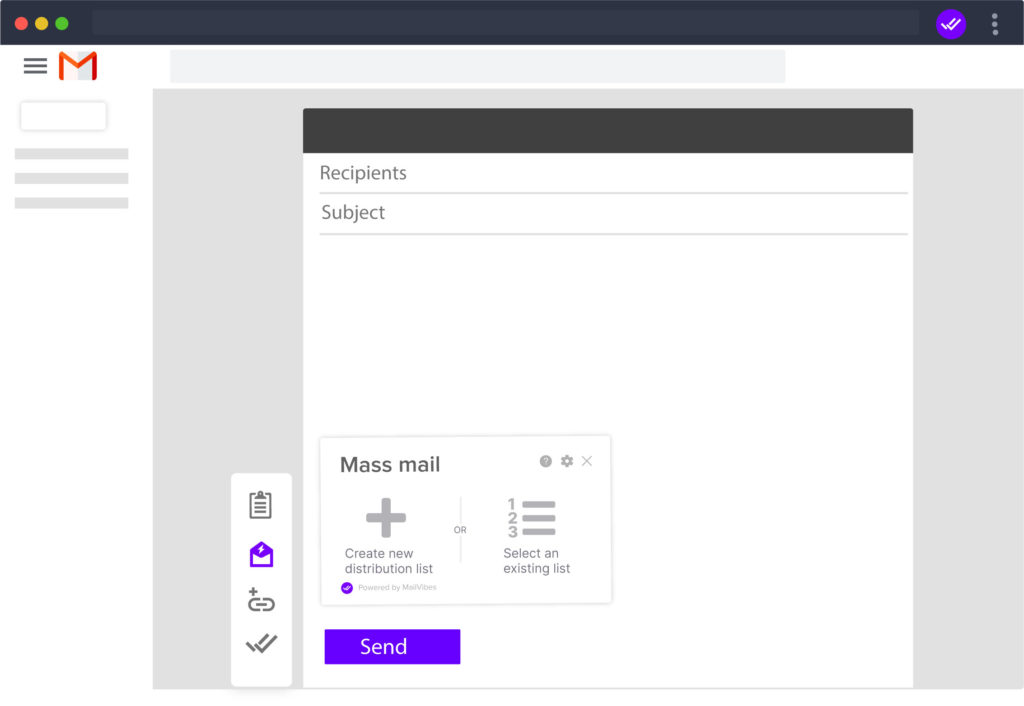
The first thing we must do is create a distribution list, for this we have 3 options.
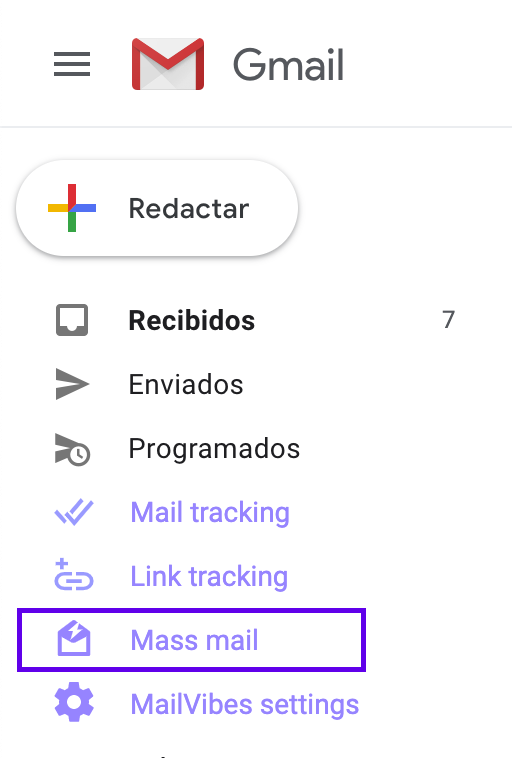
If you want to use this list in the future and also use variables to customize we must create a list from the Mailvibes section.
If you don’t have to customize these contacts and will only use them once, you can type them manually in the gmail compose window.
If you already have a list you just have to select it.

Which one do we start with?
Create distribution list from MailVibes section
1.- Write the body and subject of your email
2.- Create a new distribution list, you can add more variables than those shown by clicking the button above “+ Add new var”
I already have a distribution list
Now that you have a distribution list, just select it and write your message or choose a template
Add emails manually
just write in the recipients section all the emails you want to send the message to.
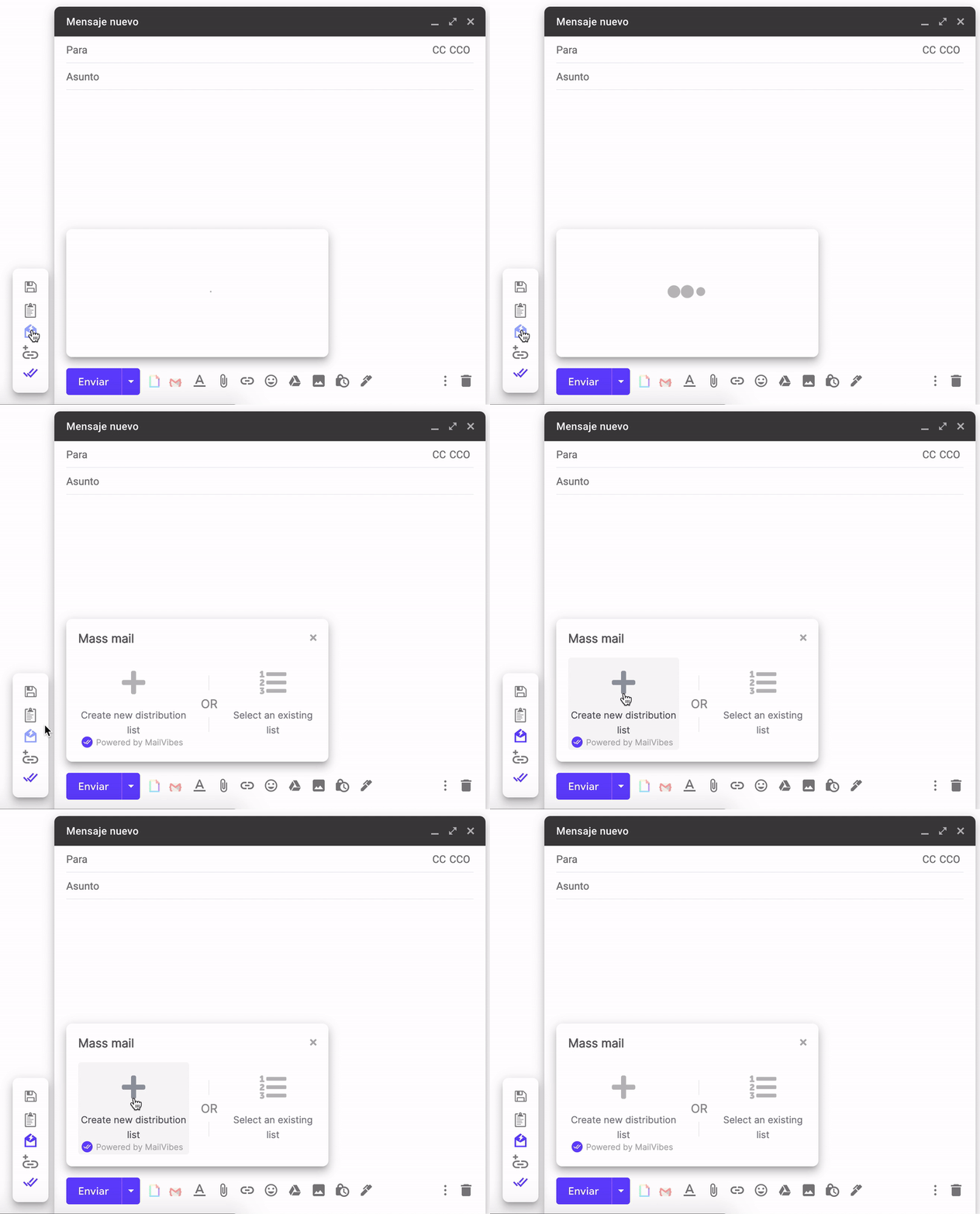
Click on the bulk email icon and click send.
To see the statistics of your links. click the link tracking tag
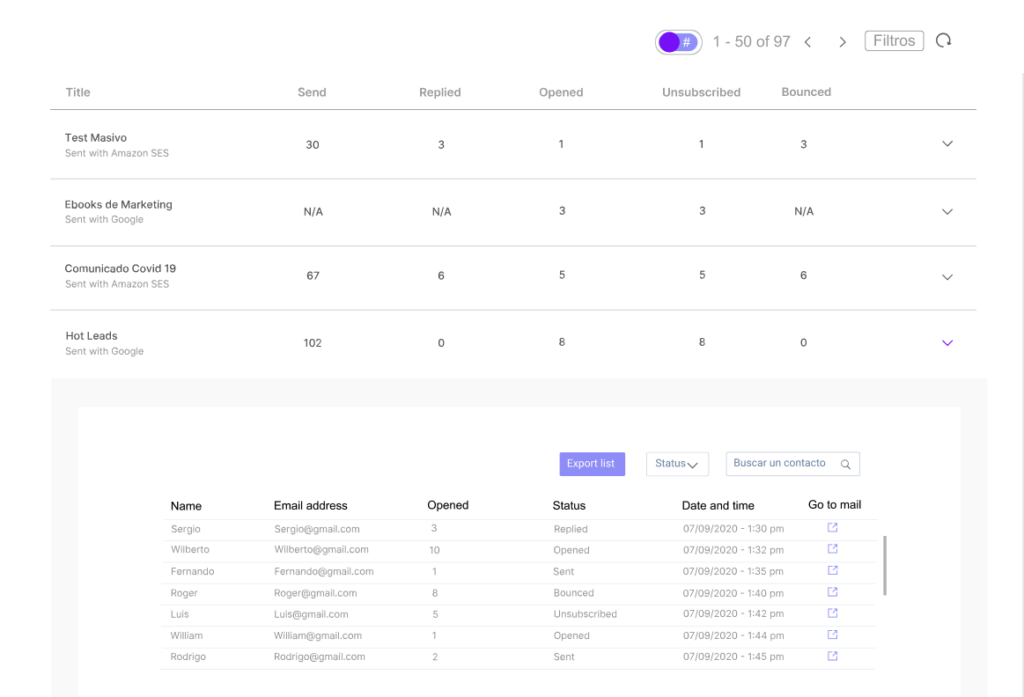
Dashboard Mass email
In this Panel you can see all the Mass Emails that you have sent, as well as how many times they were opened and when. This way you can better track your most interested contacts.